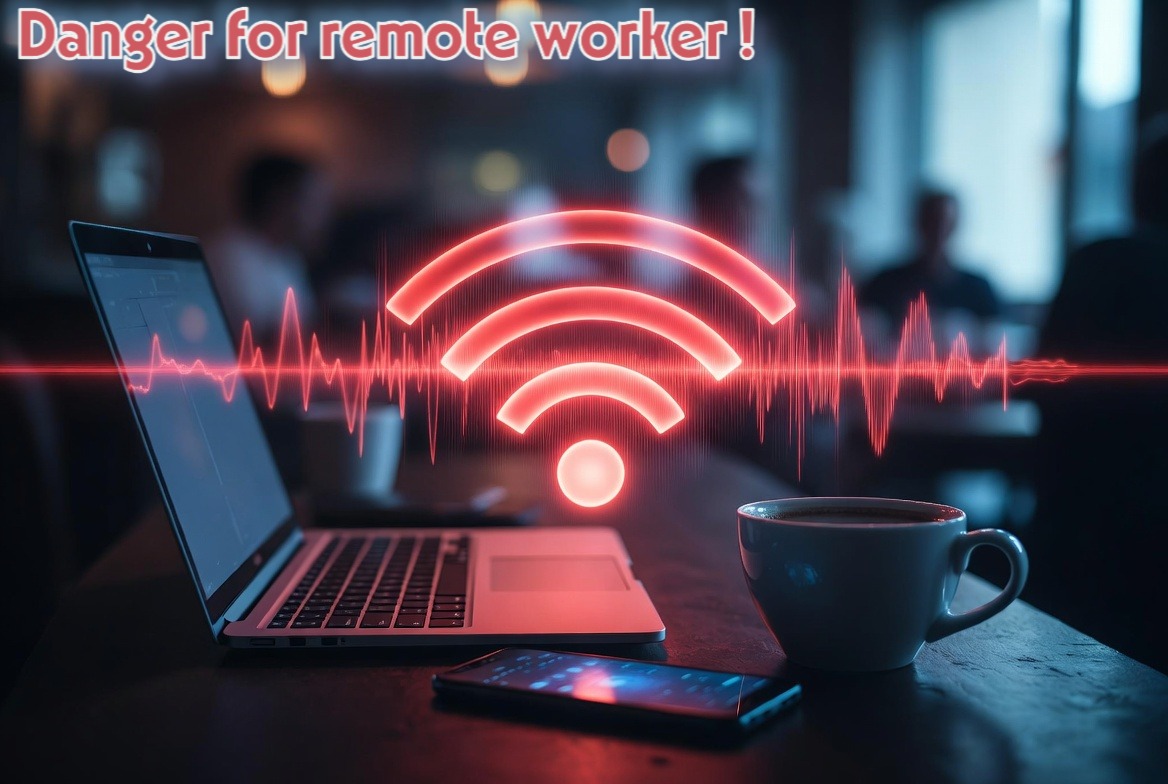
The concept of the workplace has fundamentally shifted. For the modern remote worker, the security perimeter is no longer a concrete wall reinforced by enterprise firewalls and corporate IT departments. Today, the perimeter is your backpack.
While remote work offers unprecedented freedom, it also exposes professionals to a landscape of decentralized threats. We confidently sit in crowded cafes or international airport lounges, trusting our screens to shield confidential data.
The dangerous illusion is believing that encryption alone is enough. While software defenses are crucial, they cannot protect against physical proximity attacks or wireless spoofing when your device is sitting idle on a table. In this article, we will redefine the digital survival kit for the remote professional, proving why a physical Faraday bag is the missing—and most critical—layer of your cybersecurity strategy.
The False Sense of Security in Remote Environments
Coworking spaces, hotel lobbies, and local coffee shops are often viewed as creative havens. In reality, from a cybersecurity perspective, they are “red zones.”
When you connect to a public Wi-Fi network, you are swimming in hostile waters. The most common threat is the “Evil Twin” attack, where a hacker sets up a rogue router (like a Wi-Fi Pineapple) with the same name as the cafe’s network. Once you connect, every keystroke, password, and confidential email passes through the attacker’s system.
Furthermore, it is a grave error to believe that a locked screen or a strong password protects an idle device. If your laptop or phone is in your bag but its Wi-Fi or Bluetooth antennas are active, it is constantly probing for known networks. Malicious actors can use automated scanners to exploit baseband vulnerabilities or initiate pairing requests without you ever taking your device out of your bag.
Building Your Digital Survival Kit
A true digital survival kit requires a hybrid approach: robust software combined with unforgiving hardware.
On the software side, the essentials are non-negotiable. You need full-disk encryption (like BitLocker or FileVault) so your data remains inaccessible if your device is stolen. You also need a trusted password manager and a secure Virtual Private Network (VPN). In fact, creating your own sovereign infrastructure is highly recommended—you can learn how to build your own private VPN using offshore servers in our dedicated 1984.hosting Review.
However, software has limits. To complete your kit, you need hardware defenses. A physical privacy filter for your laptop screen is mandatory to defeat “visual hacking” (shoulder surfing) in crowded spaces. Hardware security keys (like YubiKey) provide un-phishable two-factor authentication.
Yet, there is still a missing link. Having an impenetrable VPN and a hardware key is useless if your device can be pinged, tracked, or exploited wirelessly while you are carrying it.
The Faraday Bag: The Perimeter in Your Backpack
This is where the physical “Zero Trust” philosophy comes into play. You must assume that every environment outside your home is hostile.

A military-grade Faraday bag acts as a portable safe room for your hardware. When your laptop, tablet, or corporate smartphone is not actively in use, slipping it into a Faraday sleeve cuts off 100% of incoming and outgoing electromagnetic signals. It blocks cellular, Wi-Fi, Bluetooth, GPS, and RFID/NFC frequencies.
Consider the use case of a digital nomad or a corporate executive traveling with sensitive client data. Leaving a laptop in a hotel room, even in a safe, leaves it vulnerable to local wireless intrusion attempts. Transporting it through a dense urban center exposes it to constant Bluetooth polling. A Faraday bag eliminates these vectors entirely. It ensures that when your device is stowed, it is electromagnetically dead and completely invisible to the surrounding digital world.
🛡️ The Arsenal: Secure Your Hardware
Your VPN protects your data in transit, but it doesn’t protect your device when it’s idle in your backpack. Equip yourself with the physical shield indispensable to every remote professional.
👉 Discover our selection of military-grade Faraday Bags in The Arsenal
FAQ: Protecting Your Remote Workspace
Does a Faraday bag damage my devices or drain the battery faster?
A Faraday bag will not damage your hardware. However, because the bag blocks signals, a smartphone left powered on will continuously search for a network, which can drain the battery. For optimal use, it is highly recommended to power down your devices or place them in Airplane Mode before sealing them in the Faraday bag.
Is a Faraday bag necessary if my company forces me to use a VPN?
Absolutely. A VPN encrypts your internet traffic while you are actively working online. A Faraday bag protects the device when it is offline or in transit, shielding it from physical proximity attacks, rogue network pings, and location tracking that a VPN cannot stop.
What size Faraday bag do I need for remote work?
Your digital survival kit should reflect your hardware. A “Laptop Sleeve” is essential for your primary workstation, while a smaller “Phone Pouch” is critical for isolating your corporate mobile device, preventing it from cross-contaminating your personal location data.
In Conclusion
Modern cybersecurity cannot rely solely on firewalls and software patches; it must be hybrid. The responsible remote worker understands that controlling the electromagnetic emissions of their hardware is just as important as choosing a strong password. A Faraday bag is the ultimate enforcement of the Zero Trust philosophy: when you are not actively using your device, it should not exist to the digital world.
📚 Go Further: The Dawn of Resilience
Mastering the security of your professional hardware is only the beginning. Are you prepared to secure your family and your future when the digital infrastructure we rely on collapses?
Discover the strategies for true survival in The Dawn of Resilience.