We have been conditioned to believe that our data is safe because it is “backed up in the cloud.” Apple iCloud, Google Drive, and Notion offer unparalleled convenience, but they create a toxic dependency. In the digital age, if you do not physically hold the data in your hand, it does not truly exist.
When a severe crisis hits—whether it’s a grid-down blackout, a massive cyberattack, or targeted state censorship—data centers may still be running, but your access to them will be severed. This is where Cold Data Survival becomes critical. Securing your information requires two distinct tools: Kiwix for public knowledge and VeraCrypt for private, sensitive intelligence.
The Cloud is a Trap: The End of Permanent Access
The false sense of security provided by cloud infrastructure is dangerous. Many preppers and operators carefully curate medical manuals, survival guides, and maps, only to leave them sitting on a remote server.
If your first-aid instructions, property deeds, or cryptocurrency seed phrases are locked behind a server authentication wall when the power grid fails, you are already compromised. A true SHTF (Shit Hits The Fan) protocol dictates that all mission-critical data must reside entirely offline, locally accessible, and physically secured.
Kiwix: Your Offline Library of Alexandria
When search engines and AI assistants go offline, cognitive independence is lost. You can no longer simply “Google” how to repair a specific engine part, identify an edible plant, or treat a severe wound.
Kiwix is the ultimate solution for offline public knowledge. It is a highly efficient offline reader that allows you to download and compress entire web-based databases into single, manageable files (using the .ZIM format).

With Kiwix, you can store the entirety of Wikipedia (text-only versions take up remarkably little space), WikiMed (the largest offline medical encyclopedia in the world), offline maps, and thousands of survival and agricultural manuals on a single 128GB MicroSD card. By carrying Kiwix, you maintain a massive asymmetric advantage: the ability to access humanity’s collective knowledge without requiring a single bar of cellular signal.
VeraCrypt: Plausible Deniability and Encryption
While Kiwix handles public knowledge, your private data—scanned IDs, property deeds, operational plans, and backups for your Tangem Wallet or Cold Wallets—requires military-grade protection.
VeraCrypt is the gold standard for offline, open-source disk encryption (AES-256). However, its true value in a survival or adversarial scenario lies in a feature called Plausible Deniability.
VeraCrypt allows you to create a “hidden volume” inside a standard encrypted volume. If a hostile actor forces you to surrender your password under duress (a “rubber-hose cryptanalysis” attack), you provide the password to the decoy volume. This decoy contains mundane, believable files. The actual critical data remains locked in the hidden volume, which is statistically impossible to detect or prove the existence of.
The Ultimate Survival USB Drive
To build this offline arsenal, the software must be paired with resilient hardware.
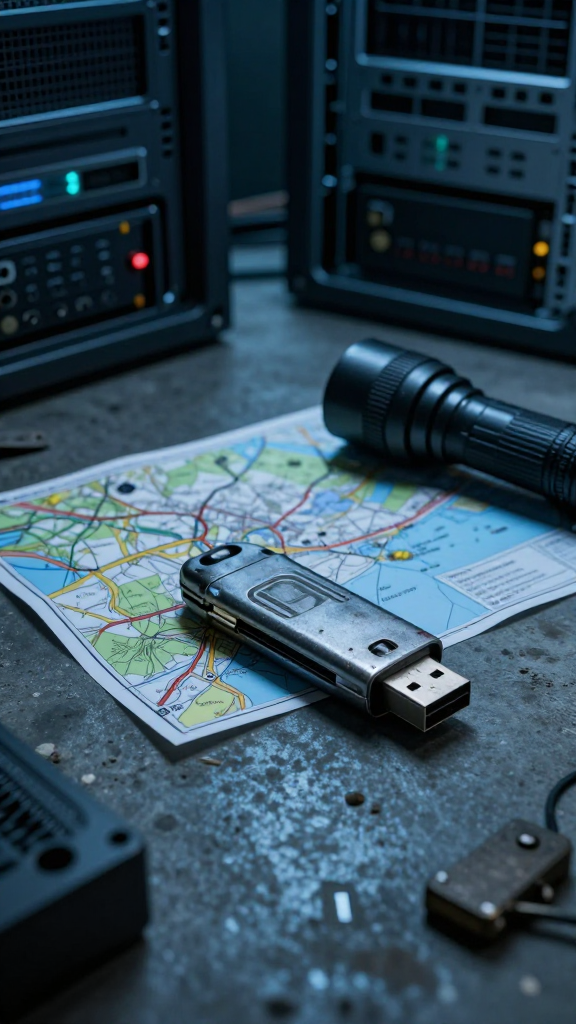
First, select a rugged, hardened USB drive. Avoid cheap plastic drives; opt for waterproof, shock-resistant metal casing drives (such as the Corsair Padlock or hardware-encrypted Apricorn Aegis models).
Second, practice strict physical OpSec. In a scenario involving an EMP (Electromagnetic Pulse), even the best encryption won’t save fried circuits. Keep your primary and backup survival drives stored securely inside SLNT Faraday Bags at all times.
Finally, ensure accessibility. Keep a USB-to-USB-C OTG (On-The-Go) adapter with your drive. This allows you to plug your encrypted drive directly into a hardened mobile terminal, like a GrapheneOS smartphone, ensuring you can read your data even if your main laptop is destroyed.
Frequently Asked Questions (FAQ)
Does Kiwix require an internet connection to update?
Yes, you need the internet to download the initial .ZIM files or update them. However, once downloaded to your device, the reading and searching process is 100% offline. It is recommended to update your archives every 6 months.
Is VeraCrypt really uncrackable?
When configured with a strong password and a robust hashing algorithm, the AES-256 encryption used by VeraCrypt has never been publicly broken by brute force. The vulnerability is always the human element (weak passwords or being observed typing it).
Can I run VeraCrypt on my phone?
VeraCrypt is primarily designed for desktop OS (Windows, Mac, Linux). However, third-party open-source apps like EDS Lite (available on F-Droid) allow you to open and read VeraCrypt containers directly on your Android/GrapheneOS device.
Information is Ammunition
Physical gear and tactical equipment are useless if you lack the knowledge to operate them or the data to secure your identity when the grid collapses. Holding your data cold, offline, and heavily encrypted is the ultimate insurance policy.
Securing tactical data on hidden, encrypted drives is a standard operating procedure that Ethan relies on heavily in The Dawn of Resilience. To understand how critical offline intelligence becomes when facing state-level surveillance and a collapsing society, discover the first volume of the trilogy.
